




In brief
Pixel pitch is the centre-to-centre distance between two adjacent LED pixels in millimetres. P2.5 means 2.5 mm, P10 means 10 mm. The smaller the value, the finer the image and the closer a viewer can stand. As a rule of thumb, the pitch in millimetres roughly equals the minimum viewing distance in metres.
What is “pixel pitch”?
The pixel pitch is the distance between two adjacent LED pixels, measured centre to centre, in millimetres. A wall with pitch P2.5 therefore has 2.5 mm between pixels – one with P10 has 10 mm. The smaller the value, the finer the image and the closer the viewer can approach without perceiving individual pixels.
Which pitch for which purpose?
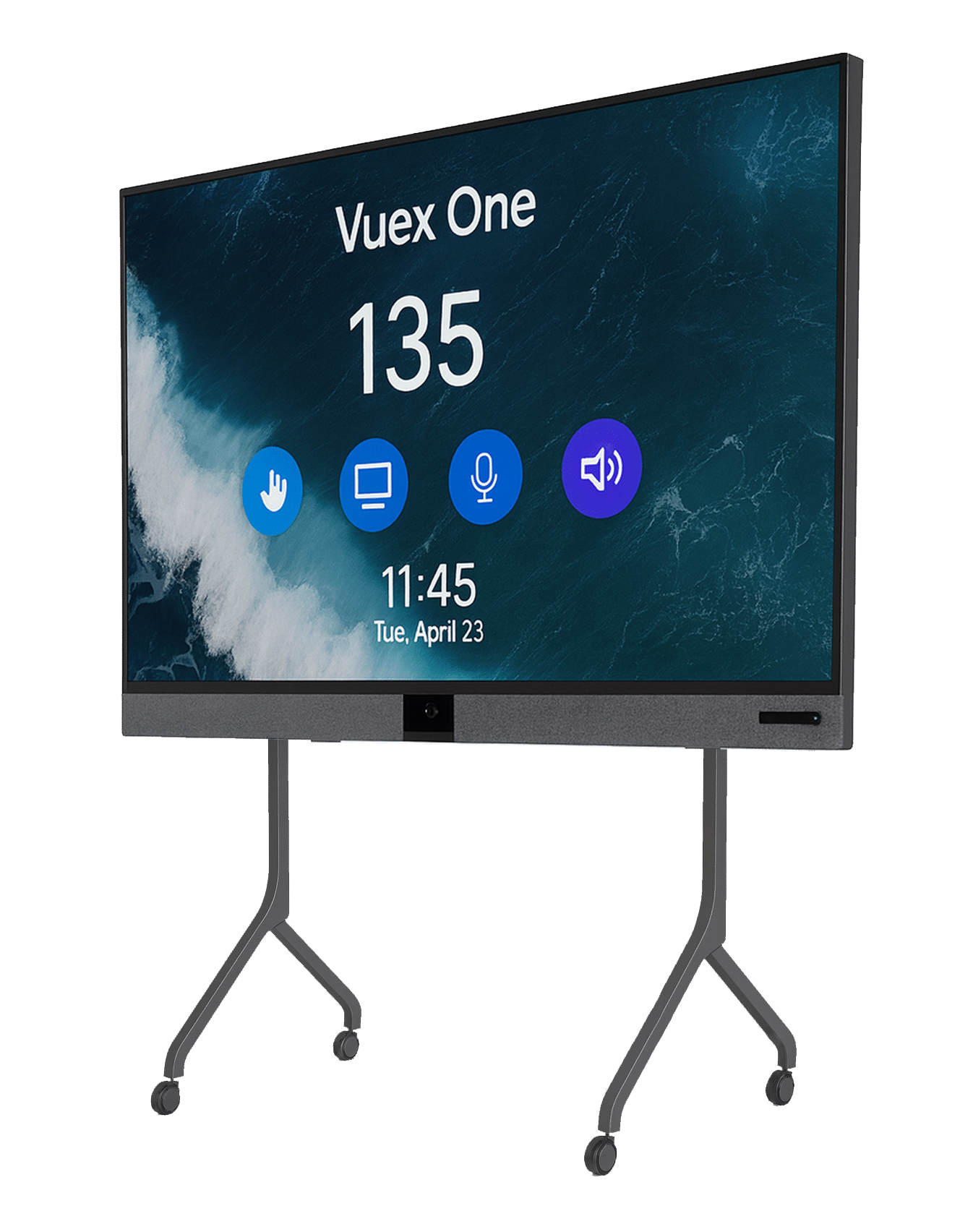
- P1.2 – P1.9: conference rooms, studios, control rooms – viewing distance from approx. 1.5 m.
- P2.5 – P2.9: premium indoor walls, lobby, showroom – from approx. 3 m.
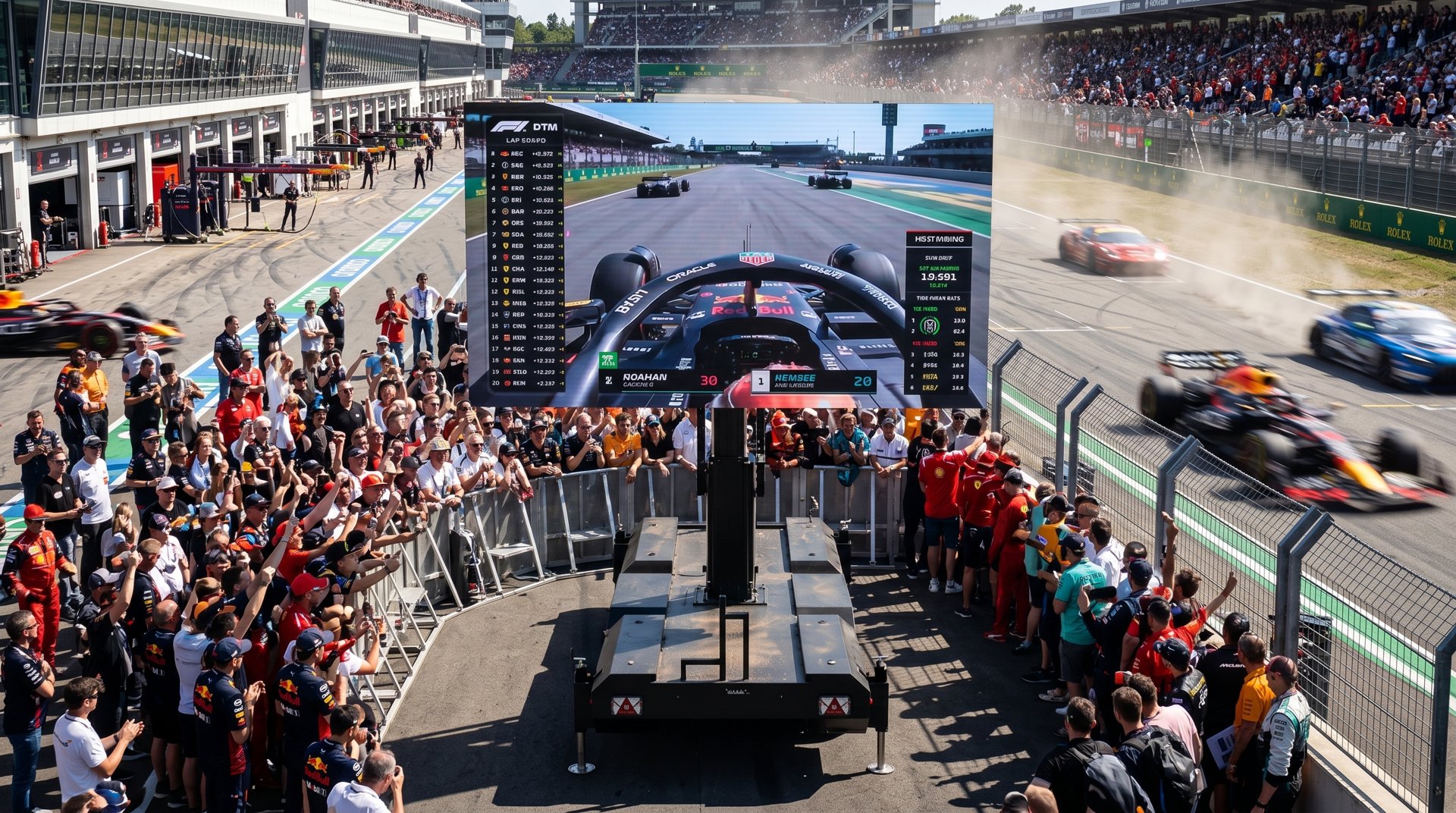
- P3.9 – P4.8: rental, stage, large events – from approx. 4–5 m.
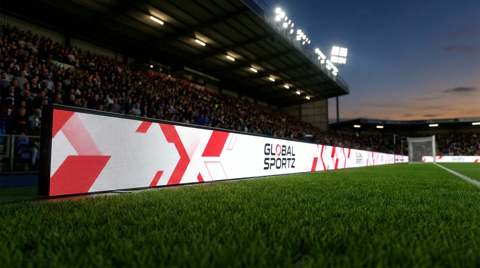
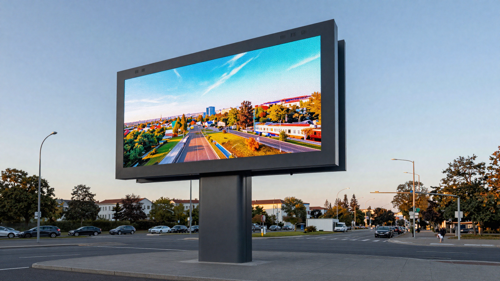
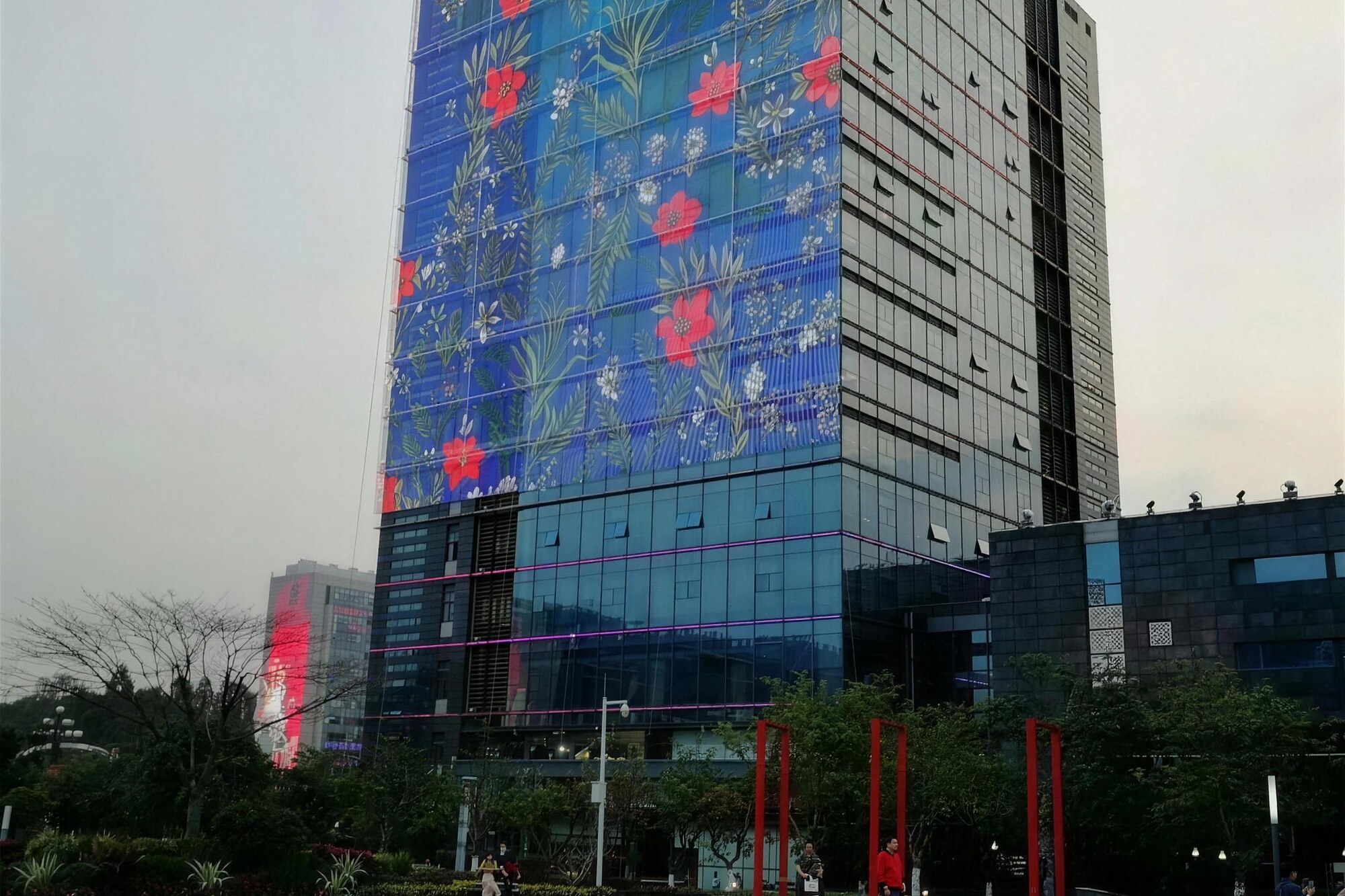
- P6 – P10: outdoor, façade, stadium – from approx. 7–15 m. Here, brightness and weather resistance matter more than fine pixels.
Rule of thumb: pitch × 1 m = minimum viewing distance
A quick rule of thumb: the pixel pitch in millimetres roughly corresponds to the minimum viewing distance in metres. For P5, that is around 5 m; for P3, around 3 m. If you want to get closer, choose a finer pitch – if viewers tend to look from further away, a coarser pitch can save a great deal of money without the image appearing “coarse”.
More on the underlying technology under LED Types. Brightness and pitch are directly related – see Brightness & Nits.
Frequently asked questions – Pixel Pitch Explained
What does P2.5 mean on an LED wall?
P2.5 means there are 2.5 millimetres between the centres of two adjacent LED pixels. This pitch suits high-quality indoor walls in lobbies and showrooms from a viewing distance of about 3 metres.
Which pixel pitch is right for my viewing distance?
P1.2 to P1.9 for conference rooms, studios and control rooms from about 1.5 m. P2.5 to P2.9 for lobbies and showrooms from about 3 m. P3.9 to P4.8 for rental, stage and large events from about 4 to 5 m. P6 to P10 for outdoor, façade and stadium from about 7 to 15 m.
Is a smaller pixel pitch always better?
No. A finer pitch costs considerably more but adds no visible benefit beyond a certain viewing distance. If the wall is mainly viewed from further away, a coarser pitch saves substantial money without the image looking coarse. For outdoor installations, brightness and weather resistance usually matter more than a fine pitch.
How do I calculate the minimum viewing distance?
The quick rule of thumb: pixel pitch in millimetres roughly equals the minimum viewing distance in metres. So about 5 metres for P5 and about 3 metres for P3. If you want to get closer, choose a finer pitch.
Which pixel pitches does WALED offer?
The WALED portfolio covers P1.25 to P10.42 – from fine-pitch conference walls through rental and stage systems to weatherproof outdoor façades. The WALED LED wall configurator determines the right pitch for your project in a few steps.
Consulting and planning by WALED
WALED VIDEOWALLS GmbH, based in Duisburg, develops, supplies and installs LED video walls for fixed installation and rental – indoor and outdoor, throughout Germany. As a manufacturer for fixed installation and rental with 25 years of experience we plan your system from requirements analysis and 3D planning through to commissioning and maintenance. Reach us on +49 (0) 172 2844494 or via the contact form. Find the right configuration in minutes with the LED wall configurator.